♪ Integrates Apple Music

TuneUp!
Turn snooze into music
Wake up, fall asleep, and stay focused — powered by the music you already love.

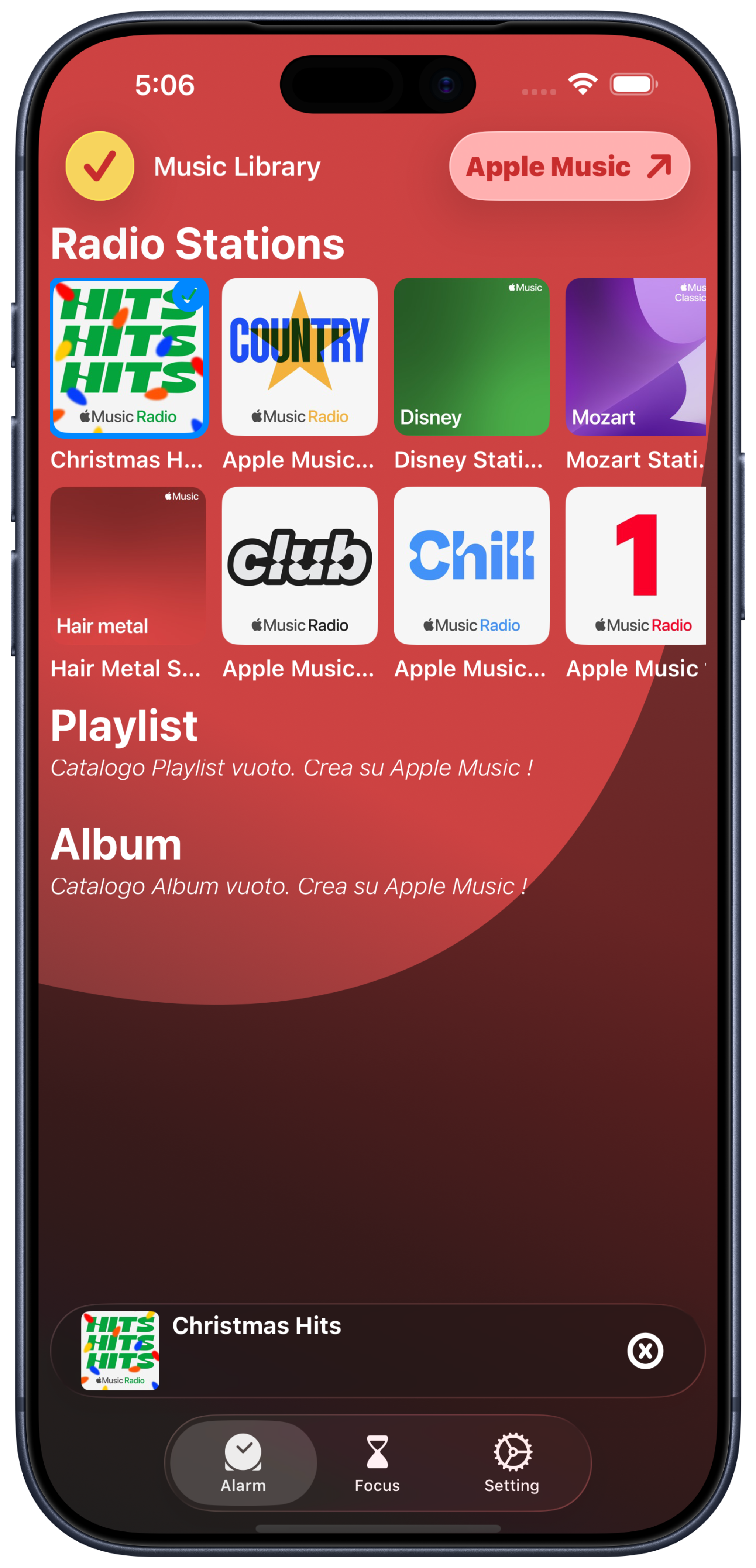
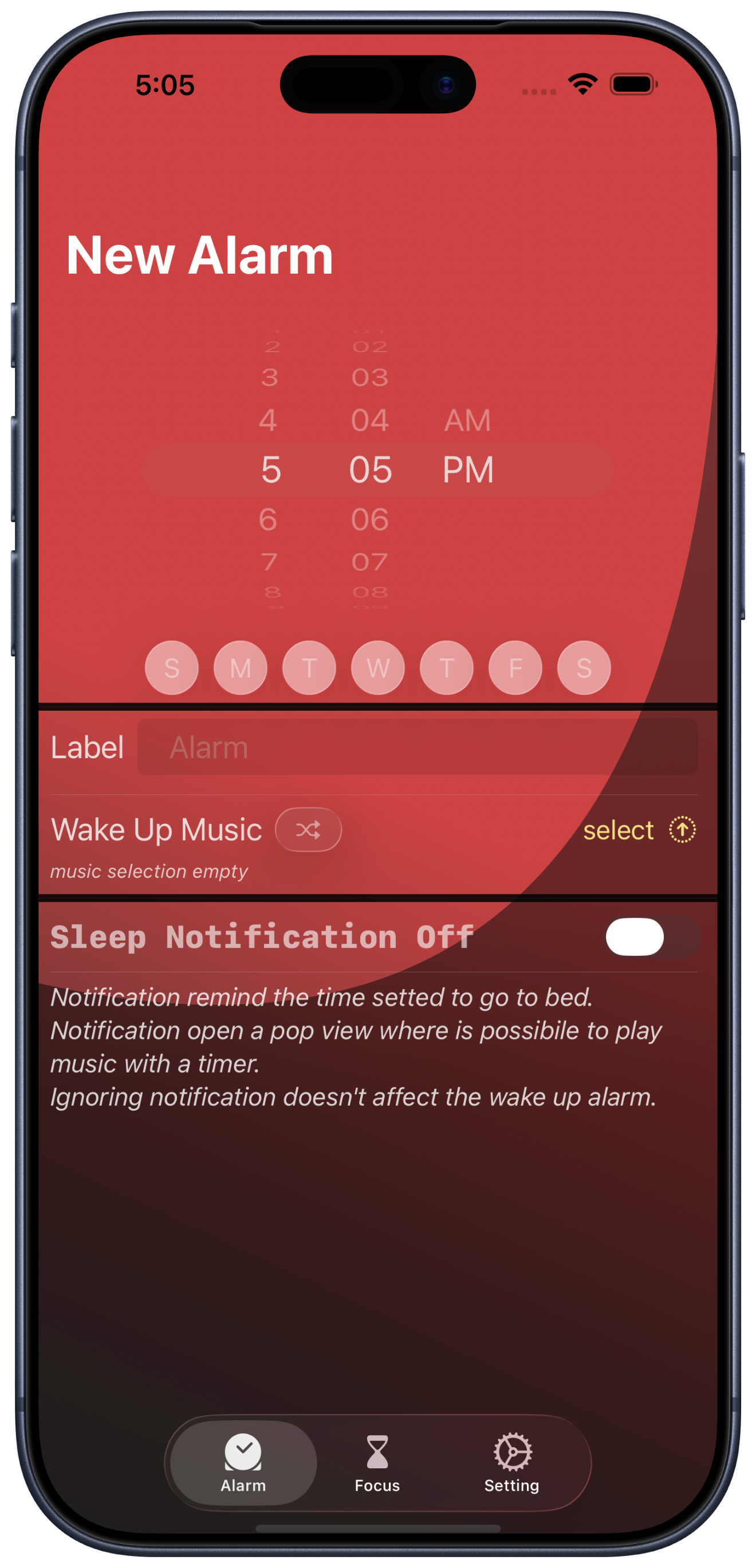
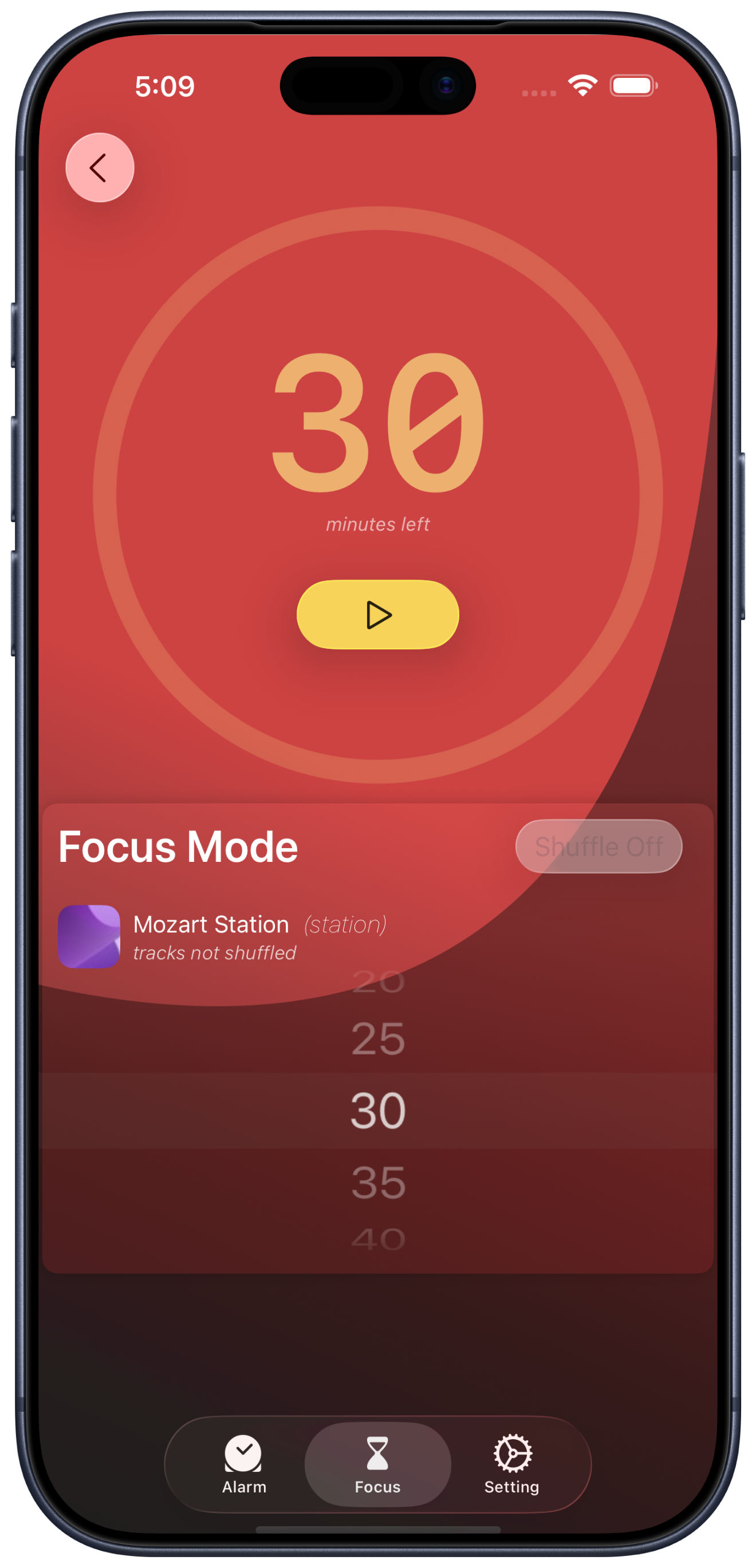
Turn snooze into music
Wake up, fall asleep, and stay focused — powered by the music you already love.
Music that helps you shape your routines — from waking up to winding down.
Turn your morning snooze into sound. Instead of silence, your music gently takes over and helps you wake up your way.
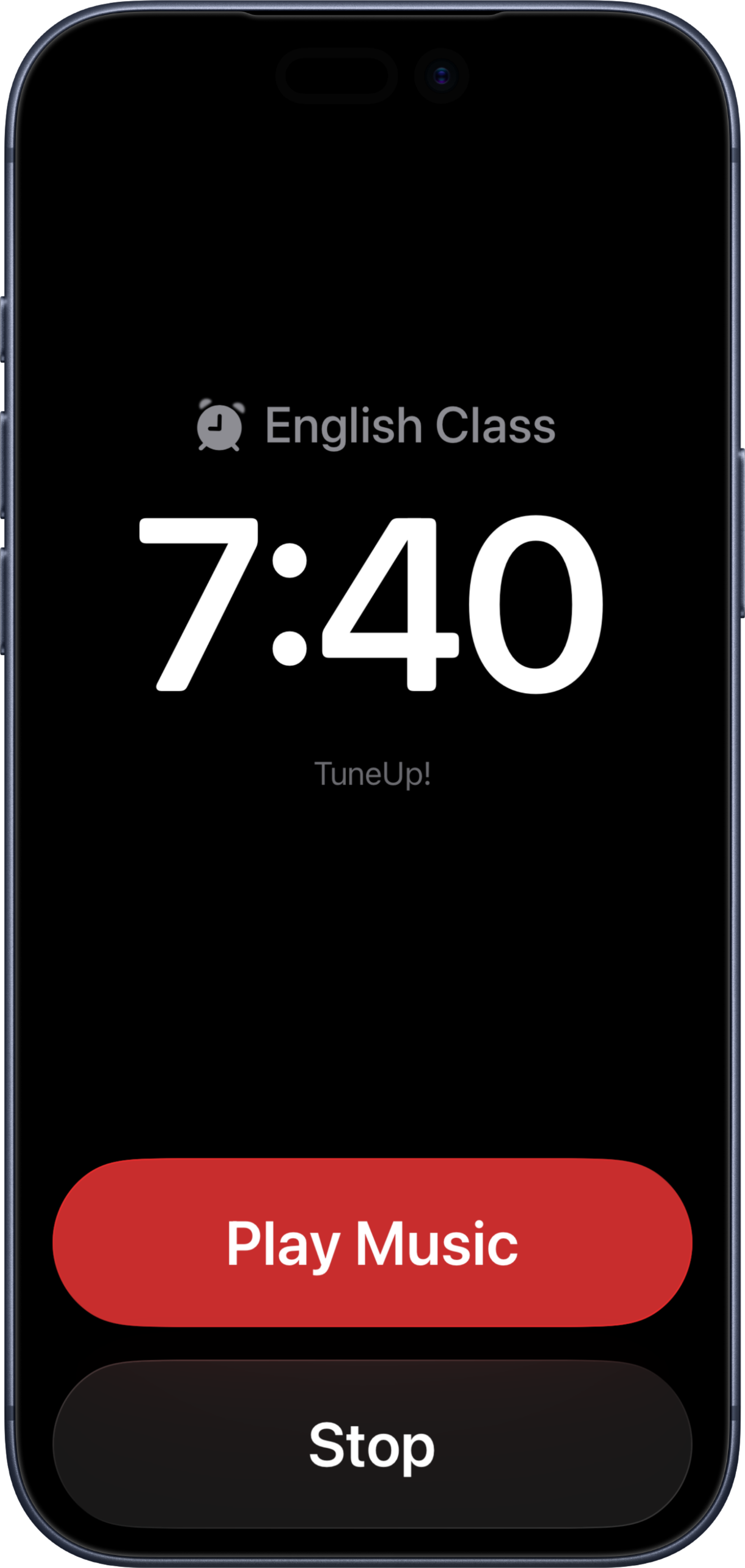
Let music guide you into sleep. Choose what you love and drift off naturally — with or without a timer.
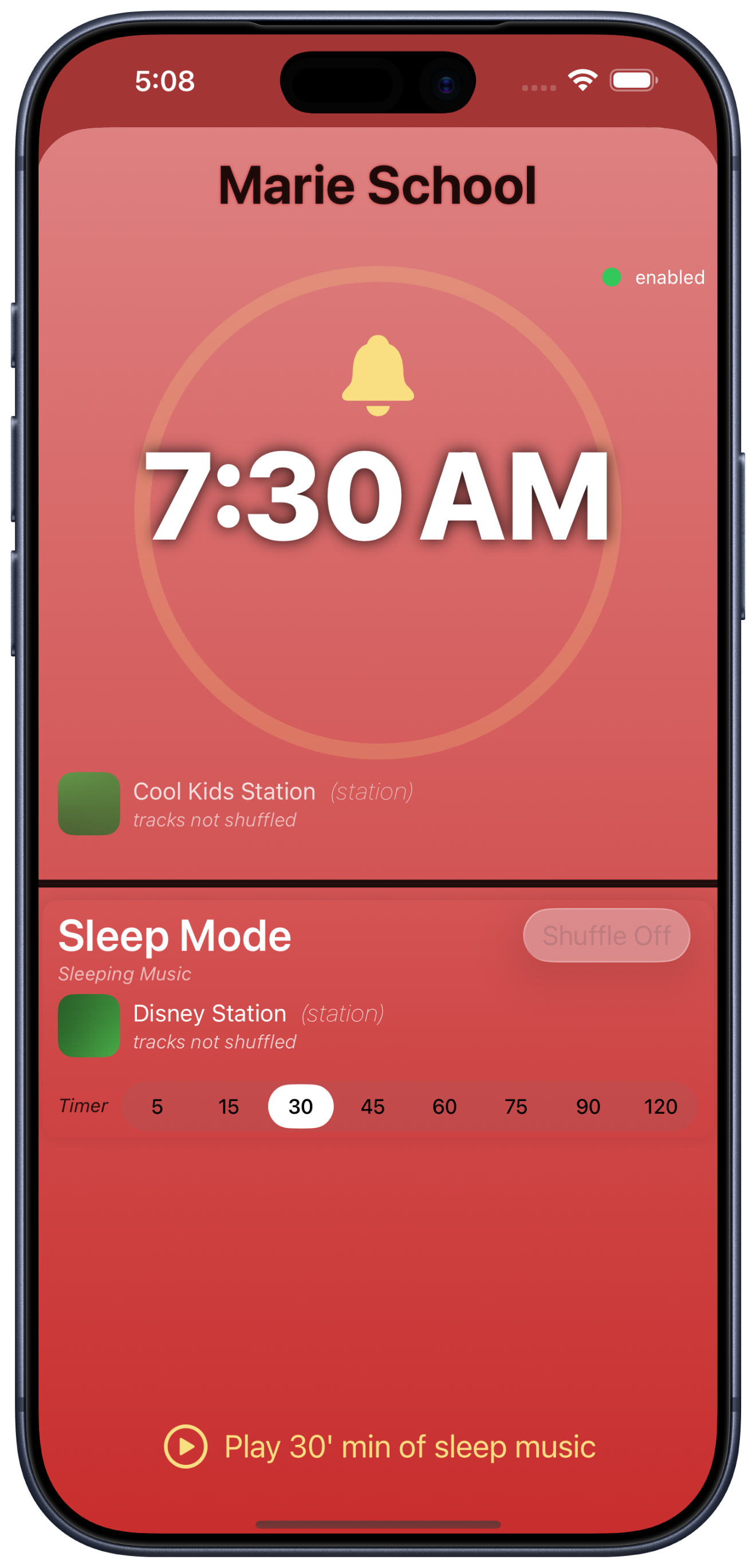
Find your rhythm and stay present. Use music to focus or slow down, set a timer, and let the rest fade away.
Use our playlists, or get inspired to create your perfect wake-up soundtrack — a curated starting point for mornings that feel just right.
TuneUp! is a music-based app that helps you use music more intentionally throughout your day. Instead of relying on a classic alarm or endless snoozing, TuneUp! lets you wake up with your favorite songs, helping you start the day in a more natural and pleasant way. You can also choose to receive optional reminders for when it's time to go to bed, fall asleep with a preset sleep timer, or enter focus and relax modes using timed music sessions. TuneUp! works seamlessly with Apple Music, so you can use the songs and playlists you already love.
TuneUp! requires access to the Apple Music library, but an active subscription is not strictly required. If you have an active Apple Music subscription, you can use your personal playlists, albums, and saved music directly inside TuneUp!. If you don't have a subscription, you can still use TuneUp! with Apple Music's free radio stations.
No. TuneUp! does not require you to create an account or sign in. The app only asks for permission to access your Apple Music account in order to play music and use Apple Music features. No additional authentication or user profile is required.
No. TuneUp! does not collect, store, or share personal data. The app does not create user profiles, track listening behavior, or distribute data to third parties. Any preferences you set are stored locally on your device. Access to Apple Music is handled entirely through Apple's official frameworks, following Apple's privacy standards.
Yes — as long as the music is available in your Apple Music library. TuneUp! does not stream content on its own. It only accesses the music already present in your Apple Music library, including songs, albums, and playlists you've added or downloaded for offline use. If that content is available offline, TuneUp! will work without an internet connection.
Yes. TuneUp! is designed to work with your own Apple Music library. If you have an active Apple Music subscription, you can use your personal playlists, albums, and saved tracks for alarms, sleep timers, focus sessions, and relaxation modes.
Yes. TuneUp! supports multiple languages, including: English, French, Italian, German, Spanish, Portuguese, Simplified Chinese, Japanese, Indonesian, and Korean. More languages will be added over time.
Download TuneUp! and start your day with the music you love.